 Guides
Only show guides for your app
GuidesFalix has two things called a proxy. One joins several Minecraft servers into a network, and the other puts a web app on a domain with HTTPS.
Falix uses the word proxy for two different things. A Minecraft proxy is server software, such as Velocity, that joins several Minecraft servers into one network behind a single address. The reverse proxy is a tab on the Network page that puts a website or dashboard on a domain with HTTPS.
If you run one Minecraft server, you need neither. Players join it by its name, as Your server's address explains.
This page follows Mia, who runs a lobby, a survival world and a minigames server. Each is its own Falix server with its own address, and moving between them means leaving one and joining the next.
A proxy is one more server, with no world of its own. Players join it at mia.falixsrv.me, land in the lobby and type /server survival to switch without leaving the game.
You pick the software in the Change software window on the Console page, and Your server's software, version and Java shows how to open it.
| Software | Group in the list | When to pick it |
|---|---|---|
| Velocity | Proxy servers | For a new network |
| BungeeCord | Proxy servers | To match a setup or a plugin that needs it |
| Waterfall | Discontinued | Only if you already run it, because PaperMC no longer maintains it |
A network takes at least two servers, the proxy and one behind it. A free account can have 1 free server, which means a network needs Premium.
A server that runs Velocity has a Proxy network page in its menu. Press Link a server, and Falix turns on the internal network for both servers, connects them and writes the forwarding settings on each side. Apply and restart then restarts the servers that still run with older settings.
One proxy links up to 50 servers. The servers behind it can run Paper (or a fork of it such as Purpur) on Minecraft 1.19 or newer, Fabric, Quilt or Pumpkin. On a BungeeCord or Waterfall server the page says "Velocity only for now", and you edit the config files yourself. Build a Minecraft server network walks through both routes, and Velocity's own settings are documented at docs.papermc.io.
The internal network is a private connection between your own servers. Each linked server has a Hide its public port switch, which makes it reachable only through the proxy from its next start. Internal Network covers connecting servers by hand, on the Internal network tab of the Network page.
Mia's survival server also runs a web map on one of its ports, at http://198.51.100.20:25592. That address is hard to remember and has no padlock.
With a reverse proxy, visitors open https://miamap.falix.org. Falix receives the request, passes it to port 25592 on her server and looks after the certificate that HTTPS needs. The encryption behind HTTPS is TLS, which the panel calls SSL.
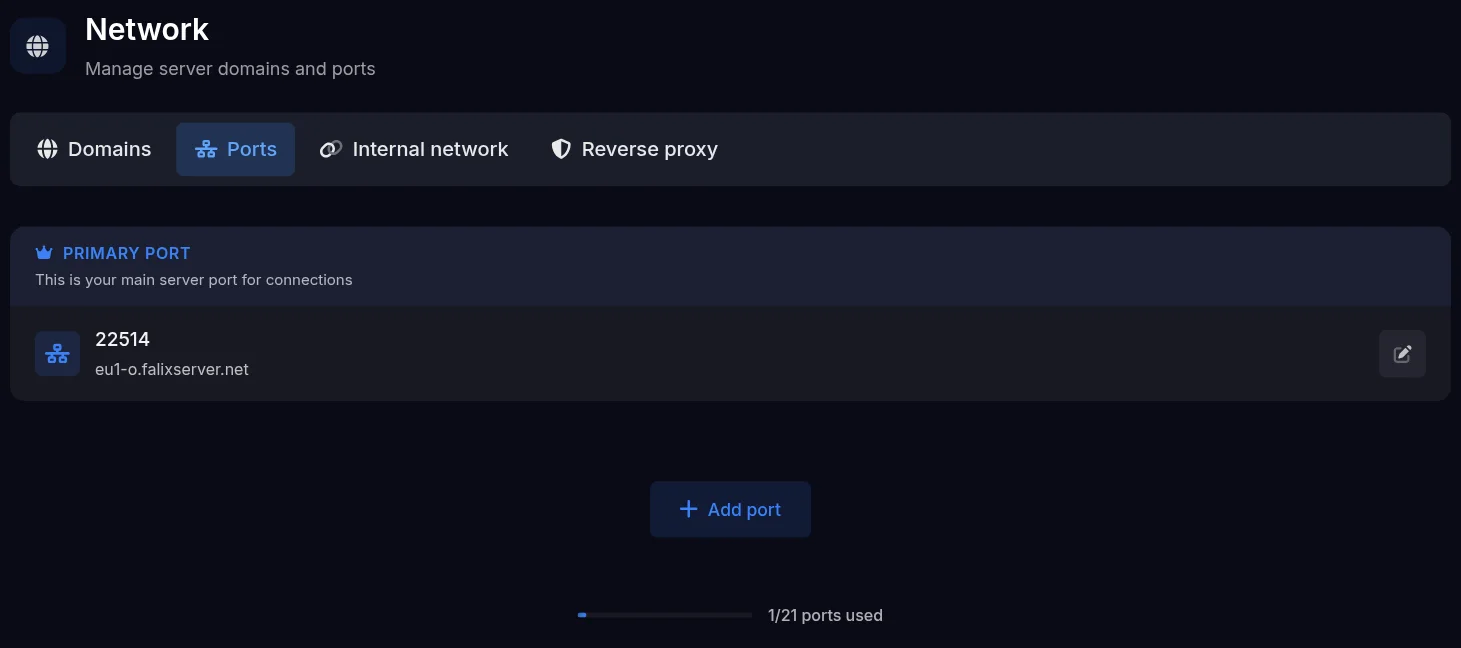
Open Network, choose the Reverse proxy tab (Proxy on a phone) and press Create proxy.
| You choose | What it is |
|---|---|
| Falix subdomain | A free name on falix.org |
| Custom domain | A domain you own, which you verify with a TXT record and point at Falix with a CNAME record |
| Backend port | The port your app listens on, from your server's own ports |
A new proxy shows SSL pending until its certificate is ready, and SSL from then on. Every server can have up to 5 reverse proxies, on the free plan too. Domains and HTTPS has the steps.
| What people expect | What happens |
|---|---|
| A Minecraft proxy makes a laggy server faster | It adds no RAM or CPU. Why your server lags is the place to start |
| The reverse proxy puts a Minecraft server on a domain | It carries web traffic only. A name for players comes from the Domains tab |
| A Falix subdomain from the Domains tab gives a website HTTPS | That subdomain is only a name. HTTPS comes from the reverse proxy |