 Guides
Only show guides for your app
GuidesWhat the RAM, CPU and disk numbers on your server mean, how much each plan gets, where the panel shows them, and what happens when one runs out.
Every Falix server runs inside three limits that your plan sets. RAM is the memory it works in while it runs, CPU is how much processing it may use, and disk is the room for its files.
Think of a desk, the person working at it and a bookshelf. A bigger desk doesn't make the person work faster, and more RAM doesn't speed up a server that already has enough.
CPU is counted in cores, where 100% is one whole core.
| RAM | CPU | Disk |
|---|---|---|
| 1 GB | 75% of one core | 10 GB |
Free game servers created before 28 October 2026 keep 3 GB of RAM and a full core. Free servers run on shared resources.
| RAM | CPU | Disk |
|---|---|---|
| 512 MB | 25% of one core | 2 GB |
App servers run bots, websites and databases, and every free one gets the same.
You choose the RAM and CPU, and both are set aside for your server alone. The Minecraft plans run from Starter (4 GB, 2 vCPU) to Network (12 GB, 5 vCPU), and a custom size goes up to 128 GB and 32 vCPU. One vCPU counts as one core.
Disk is unmetered, with fair use. Change resources or billing cycle shows how to resize later.
Free vs premium, honestly lists everything else that differs between the plans.
Take Mia, who runs a free Paper server for five friends. All three numbers are on her Console page.
On a phone, the same numbers are labelled CPU, RAM and Storage.
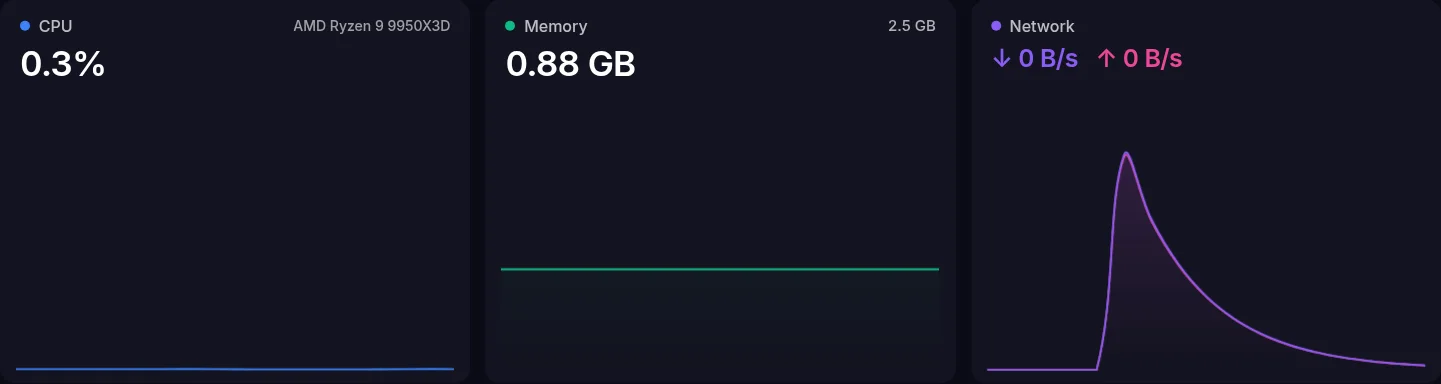
The Monitoring page charts CPU and memory over time, from the last 15 minutes to the last 30 days, and up to a year on Premium. CPU is counted in whole cores there, which means Mia's server tops out at about 75%. Monitoring your server's health covers the rest of that page.
| Limit | What you see | What it means |
|---|---|---|
| RAM | The console prints server process exited (OOMKilled, code 137) or java.lang.OutOfMemoryError, and the Console page says "Your server ran out of memory (RAM)". |
The server used all of its RAM. It was stopped, or with the Java error it may still be running but broken. |
| CPU | The CPU card stays near 100% and the server slows down, which a game shows as lag. | Nothing is stopped. Work beyond the limit has to wait. |
| Disk | From 95%, the Console page says "Your server's disk is full". | Uploads that don't fit are refused. More than 10% over the limit, the server is stopped and can't start until you delete files. |
The Console page warns you when RAM or CPU stays at 90% or more for two minutes. An out-of-memory stop is also listed under Crash reports on the Monitoring page, with an OOM kill badge.
If the server needs more than its plan has, you can resize a Premium server at any time, or move a free server to Premium and keep its files and world. The calculator below gives a starting size for a Minecraft server.
Start with this and add more only if the server runs out. More RAM than this won't make it faster.